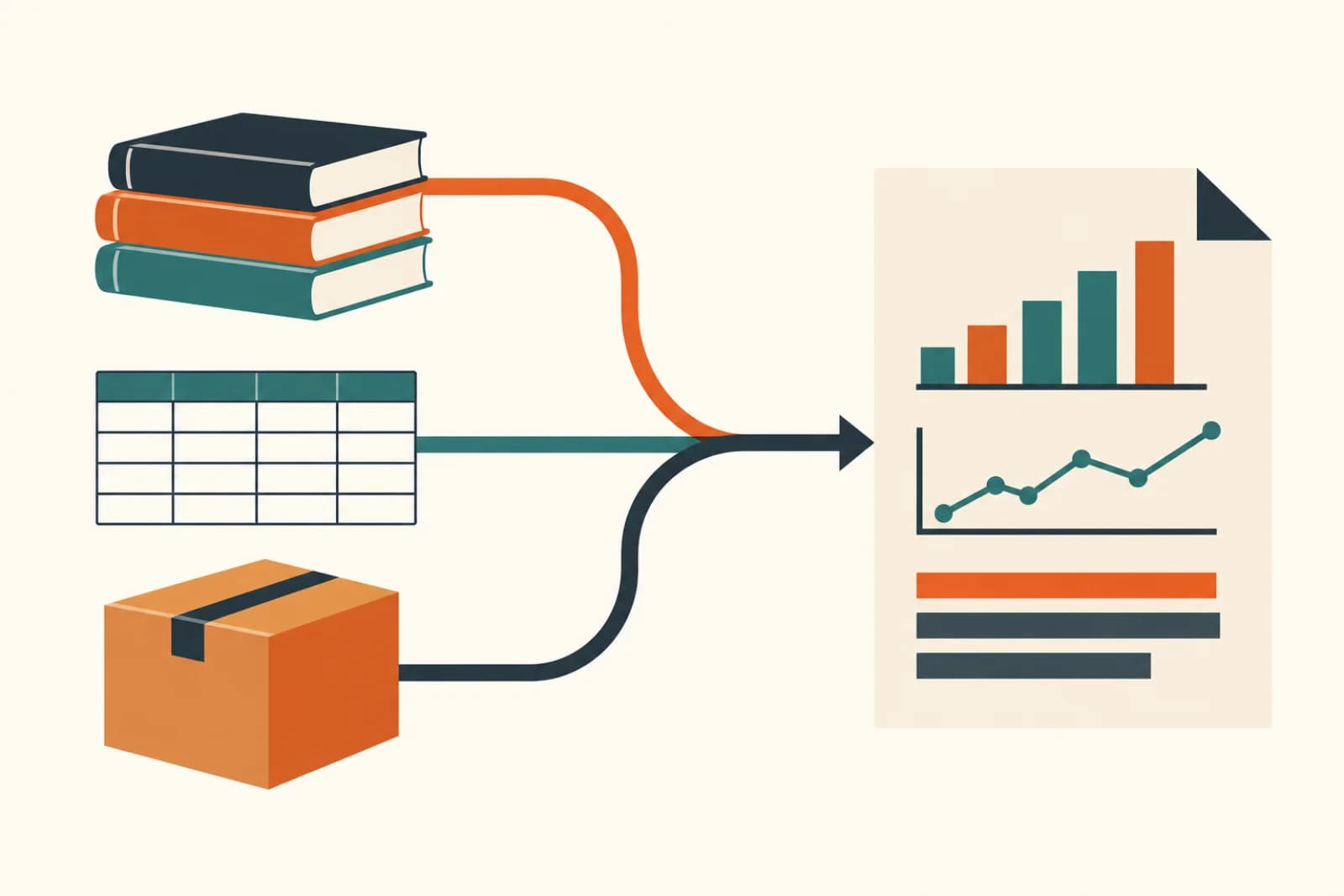
Short answer: a weekly MIS can mostly build itself if you split the work properly. Let scheduled scripts pull data from Tally, the CRM and your sheets, let fixed formulas do every total, and use AI only for the last step: reading the finished table and writing what changed, why it might have changed, and what someone should look at. The person who used to spend Monday morning copy-pasting then spends ten minutes checking instead.
Many companies with 20 to 200 people have some version of this report. Sales by branch, collections, stock, dispatches, open complaints. Someone exports five files, pastes them into a master sheet, fixes the formulas that broke, and emails it to the owner. Nobody reads the commentary because there usually isn't any.
What goes wrong when you hand the whole thing to a chatbot
The tempting shortcut is to upload the exports to ChatGPT or Copilot and ask for "this week's MIS". It often looks right. The problem is that a language model writes its answer fresh each time, and arithmetic across hundreds of rows is where it slips. A margin that is off by half a percent looks perfectly believable in a report, which is exactly why nobody catches it.
The second problem is quieter. A chatbot will happily explain why sales dropped in the Pune branch. If the reason isn't in the data, it will still give you one. That is fine in a brainstorm and dangerous in a report the owner acts on.
The four steps, and who does each

1. Fetch. Pull the raw data on a schedule. For accounts, TallyPrime can exchange data in XML and JSON over HTTP, once its HTTP server is switched on (port 9000 by default), so a scheduled script can ask it for the week's figures. Keep that connection inside your office network and don't open it to the internet. CRMs like Zoho or HubSpot have APIs; Google Sheets and Excel files on OneDrive can be read directly. This step is plain plumbing, with no AI in it.
2. Calculate. Every number in the report comes from a formula or a few lines of code: totals, week-on-week change, collections against target, stock days. Same inputs, same answer, every week. If the numbers are wrong, you can find the formula and fix it.
3. Explain. This is the part AI is good at, and the part most MIS reports skip. Give the model the finished table, last week's table and a short list of what you care about ("flag any branch more than 15% below target, any customer over 60 days overdue"). Ask it to write five or six plain sentences: what moved, by how much, and which items need a decision. Tell it to quote the number for every claim and to say "no reason in the data" when there isn't one.
4. Deliver. Email the report or send a short summary on WhatsApp at the same time every week. For the first month, route it through one person who reads it before it goes out.
What the spreadsheet tools can do now
Both big office suites have moved a long way this year, and they are worth using for the ad hoc questions that come after the report.
Microsoft's Agent Mode in Excel is generally available. It can build sheets, formulas and summaries from a plain-language request. Whether you have it depends on your Microsoft 365 plan, so check that Copilot in Excel is included.
On the Google side, Gemini in Sheets can analyse several tables in one tab and write formulas that join them. Since April 2026 it can also build and edit whole spreadsheets from a prompt, though Google says that part is US and English only for now.
What neither does is go and collect data from Tally, the CRM and the warehouse sheet every Monday at 7 am without anyone opening a file. That scheduled pull is still the piece you have to build, and it's the piece that saves the most time.
How to start without a big project
Pick the one report that eats the most hours. Write down where each column comes from, who exports it and what they fix by hand. You'll usually find that two or three sources cover most of it.
Automate the fetch and the calculation first, and run the automated version next to the manual one for three or four weeks. When the numbers match, add the AI commentary. Compare its notes with what the operations head would have said; tighten the instructions where it's vague or overconfident.
Keep the report short. One page of numbers and a paragraph of commentary gets read. Fifteen tabs don't.
Where this doesn't pay off
If your MIS is a ten-minute job from a single system, leave it alone. If the source data is a mess (branches using different item codes, collections tracked in a notebook), fix that first, because automation will only produce the mess faster. The payoff comes when several people spend real hours every week stitching files together.
Our operations automation page lists other reporting and back-office jobs where the same split works.
Arthat AI
Working on something similar at your company?
Arthat AI builds these automations for Indian businesses every week. If you want to talk through whether this fits your situation, we'll give you a straight answer — even if the answer is "don't build it."