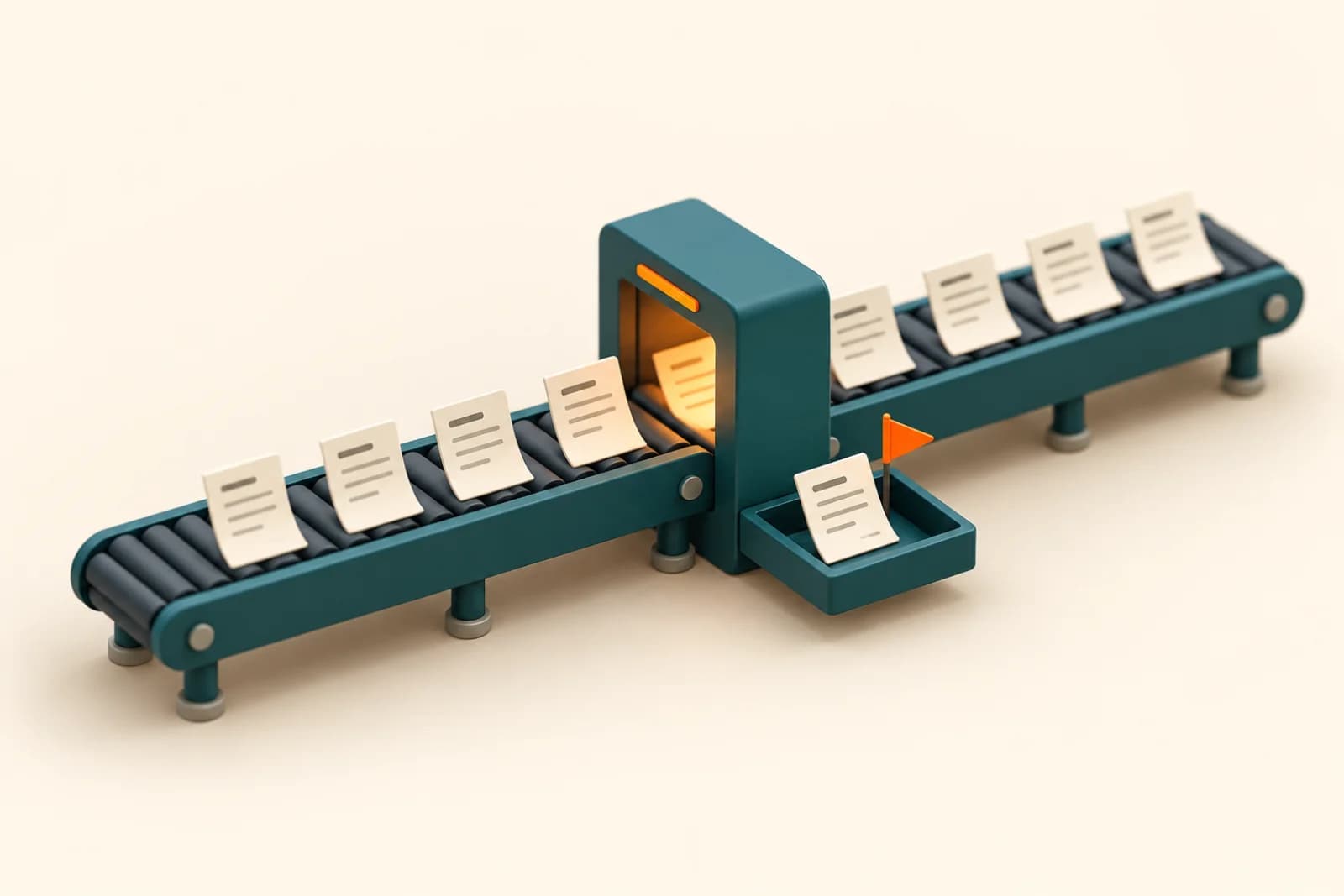
Short answer: many companies now pay for AI in more places than anyone has counted: a few ChatGPT or Claude seats on personal cards, AI add-ons inside software they already own, and a pilot tool nobody switched off. An hour with your card statements and a simple sheet usually turns up unused seats, two tools doing the same job, and plans far bigger than the work needs. Cut those first, then spend on the one or two jobs where AI is clearly paying off.
Why this matters now
The payoff from AI outside the tech industry has been thin so far. In an October 24, 2026 note, Apollo's chief economist Torsten Slok wrote that revenue per worker and profit margins are rising for the seven biggest US tech firms but flat for the other 493 companies in the S&P 500. He added that mainstream companies are starting to treat token spending as a cost that weighs on margins, and that "mainstream corporate America does not need the latest model and is unwilling to pay for it."
That's US data, but the pattern will be familiar to many Indian owners. The bills arrive every month. The results are harder to point to.
Costs are also getting less predictable. Zylo's 2026 SaaS Management Index, drawn from its own software-spend data, reports that spend on AI-native apps jumped 108% in a year. 78% of IT leaders said they'd had unexpected charges tied to AI features or usage-based pricing, and 61% had cut projects because of unplanned software cost increases. A 40-person firm feels the same creep, just with smaller numbers and nobody whose job it is to watch them.
Step 1: Find every place you pay for AI
Pull the last six months of company card statements, expense reimbursements and software invoices. Search for the obvious names (OpenAI, Anthropic, Google, Microsoft, Perplexity, Midjourney) and then for the less obvious ones: your CRM, design tool, note-taker and helpdesk may have added an AI tier that someone switched on.
Put each line in one sheet:
- tool and plan;
- who pays (company card, a manager's card, a reimbursement claim);
- number of seats, and who has them;
- monthly cost in rupees, including GST;
- renewal date, and whether it's monthly or annual.
Reimbursements are where a lot of it hides. One person expenses a personal plan, then three colleagues copy them, and the company ends up paying full individual prices for what could be one team plan with admin controls.
Step 2: Check who actually uses each seat
Many business plans have an admin page that shows member activity. Look at it if yours does. Anyone who hasn't opened a tool in 30 days is a candidate to remove. Ask them first; sometimes it's a person who uses it once a month for something that matters, like a tender document.
For tools without usage data, a two-question message to the team works: what do you use this for, and what would you do if it went away tomorrow? Answers like "not sure" or "I'd use the other one" tell you what you need to know.
Step 3: Look for overlap with what you already own
This is where the biggest savings usually sit. If your company runs on Google Workspace, check your plan before buying anything else. On Google's India pricing page (October 2026), Business Starter at ₹270 per user a month on a one-year plan lists the Gemini assistant in Gmail and chat in the Gemini app, and Business Standard lists Gemini in Gmail, Docs, Meet and more. Many people who asked for a separate chatbot subscription already have one in the tab next to their inbox.
Some staff will still need a second tool for particular work, such as long documents, coding or analysis. That's fine. The aim is to pay for a second tool on purpose, for named people and a named job, rather than by accident for everyone.
Step 4: Match the plan to the person
AI vendors now sell tiers by how much you use, and the heavier tiers cost several times more. Anthropic's pricing page is a clear example. Its Team plan, for 2 to 150 people, lists a standard seat at $20 per seat a month billed annually ($25 monthly) and a premium seat with 5x more usage at $100 ($125 monthly).
A sensible split for most teams: standard seats for everyone who uses AI a few times a day, premium seats only for the two or three people who keep hitting limits, and nothing for people who don't use it. Review the split every quarter, because usage shifts as people find, or lose, real uses.
Annual billing is cheaper per month, but only commit annually for tools that have passed a few months of real use. Pilots stay monthly.
Step 5: Turn the saving into one real project
Cutting spend is the easy half. The harder half is what Slok's note points at: the companies that get value from AI pick a specific job and change how it's done, rather than handing out licences and hoping.
So take part of what you save and put it into one measurable job: first replies to enquiries, a weekly report, invoice entry, call notes. Give it an owner and a number to watch. A ₹20,000 monthly saving on unused seats matters less than one process that saves a team ten hours a week.
If you want help seeing which jobs are worth it first, that's what our AI readiness assessment is built to answer.
A simple rhythm
Do the full audit once a quarter. Set a calendar reminder a month before each annual renewal. And make one rule: any new AI tool needs an owner and a job written next to it in the sheet before anyone pays for it. That one line stops most of the drift.
Arthat AI
Working on something similar at your company?
Arthat AI builds these automations for Indian businesses every week. If you want to talk through whether this fits your situation, we'll give you a straight answer — even if the answer is "don't build it."