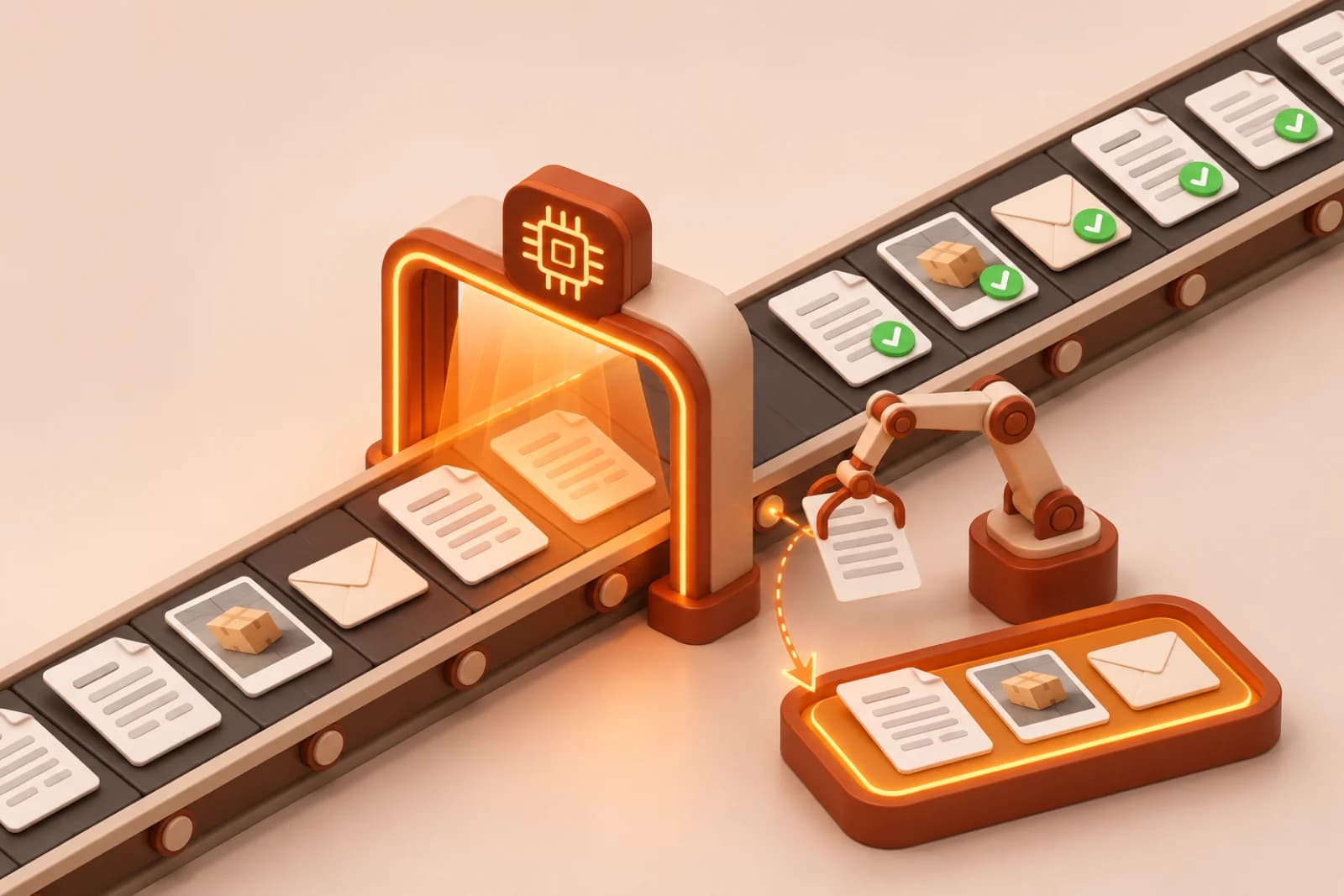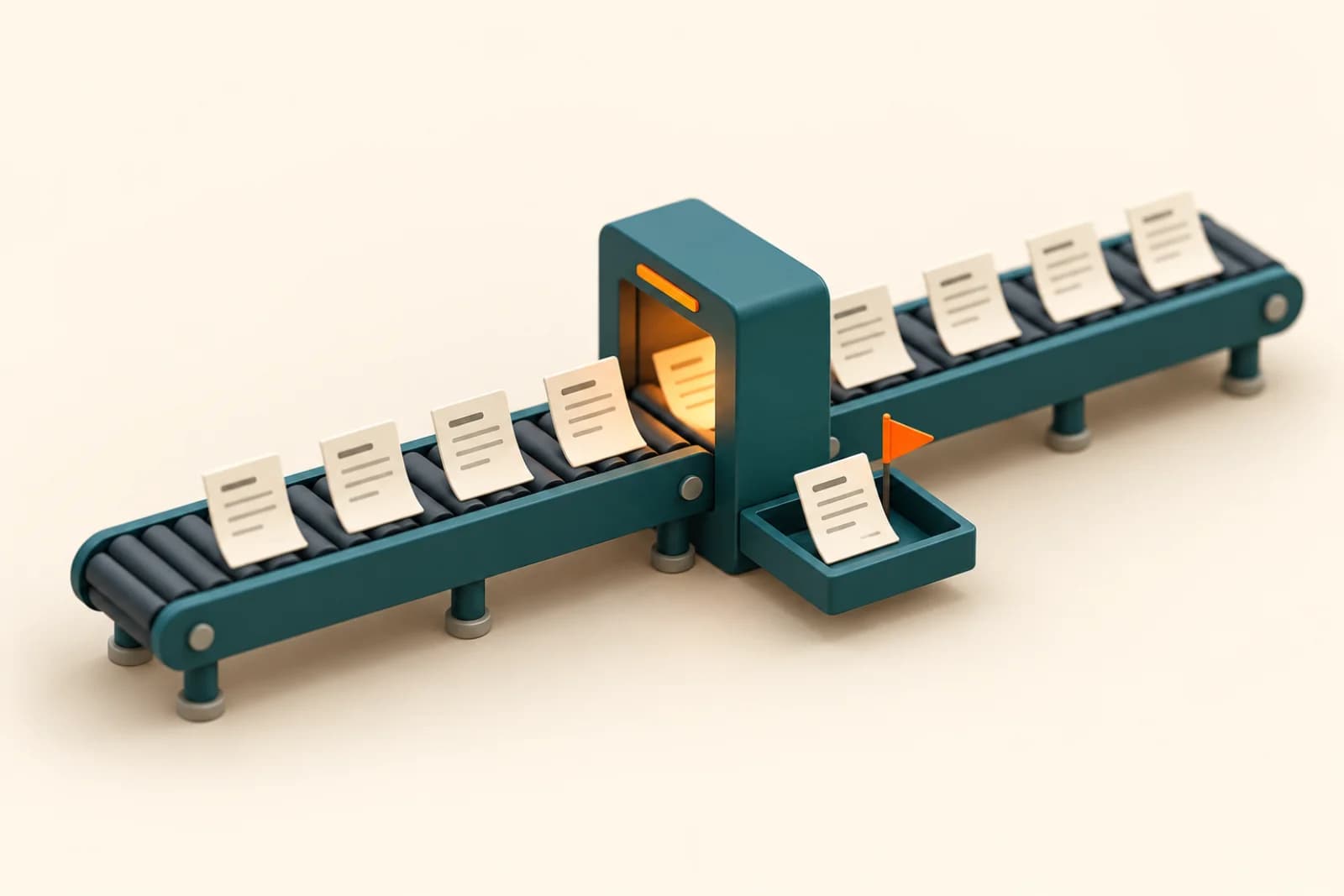
Short answer: AI in operations rarely fails loudly. It fails by guessing a missing value with full confidence, by reading the wrong field on a document it hasn't seen before, or by taking an action nobody meant to allow. You don't need to check everything by hand. Add a few cheap checks at the points where a wrong answer would cost money, and keep a person on anything that can't be undone.
Most of the AI work we see in Indian companies sits in operations: reading invoices and purchase orders, matching payments, answering vendor questions, drafting the weekly report. These jobs are repetitive, which makes them a good fit. They're also jobs where one wrong figure can travel a long way before anyone notices.
It guesses instead of saying "I don't know"
This is the big one, and it's built into how today's models work. A September 2025 paper, Why Language Models Hallucinate, argues that models produce "plausible yet incorrect statements instead of admitting uncertainty" because training and evaluation reward guessing over acknowledging uncertainty. In plain terms, the model has been taught that a confident answer scores better than a blank.
In operations, that shows up in predictable places. An invoice without a PO number gets one that looks right. A GST number with a smudged digit gets a clean-looking replacement. A summary of a vendor email states a delivery date the vendor never gave. Each of these looks fine on its own, so nobody stops to question it.
The first defence is simple: tell the AI it is allowed to say "not found", and count a blank as a good result. A blank goes to a person. A guess goes into Tally.
It reads the wrong thing when the input changes
An extraction setup that works on one supplier's invoice can quietly fail on another's. A new template moves the total to a different corner, a scanned copy is tilted, or a vendor starts sending two invoices in one PDF. The AI still returns an answer, just a wrong one.
This is why a demo on ten clean documents tells you little. Collect a few dozen of your own past documents, including the ugly ones, write down the right answers once, and keep that set. Run it before you go live and again every time you change the prompt, the model or the vendor list. If accuracy drops, you find out from the test and not from your accountant.
It does something it wasn't supposed to
Answers can be wrong. Agents can act wrong, which is a different level of risk. Fortune reported on 19 October that an AI agent selling an item on Facebook Marketplace shared a seller's home address with a buyer and agreed a pickup on its own. The seller had granted "always allow" permissions when first connecting it, and had expected to be asked before it shared anything or accepted an offer.
This isn't one unlucky user. A Cloud Security Alliance survey of 445 IT and security professionals, commissioned by Zenity and released in April 2026, found that 53% of organisations have had AI agents exceed their intended permissions, and 47% had a security incident involving an AI agent in the past year.
For an operations team, the lesson is about the permission screen. An agent that can read the payables sheet is useful. One that can also approve a payment, email a vendor or change a bank detail needs a human click in between, at least until it has earned trust.
You own whatever it says
Some companies treat AI mistakes as the tool's fault. That argument hasn't held up. In Moffatt v. Air Canada, decided on 14 February 2024, the airline's website chatbot suggested a customer could apply for a bereavement fare retroactively. Air Canada staff later told the customer that wasn't allowed, and the airline argued it couldn't be held liable for what the chatbot said. The tribunal called that "a remarkable submission", found the airline hadn't taken reasonable care to make sure its chatbot was accurate, and ordered it to pay CAD 812.02.
That was a customer-facing chatbot, but the principle carries into back-office work. If your AI tells a vendor the wrong payment date or sends a dealer the wrong price, expect the vendor to hold your company to it. Nobody will blame the software.
The checks that actually catch errors
None of these need a data team. They need someone to decide, before going live, where a wrong answer would hurt.
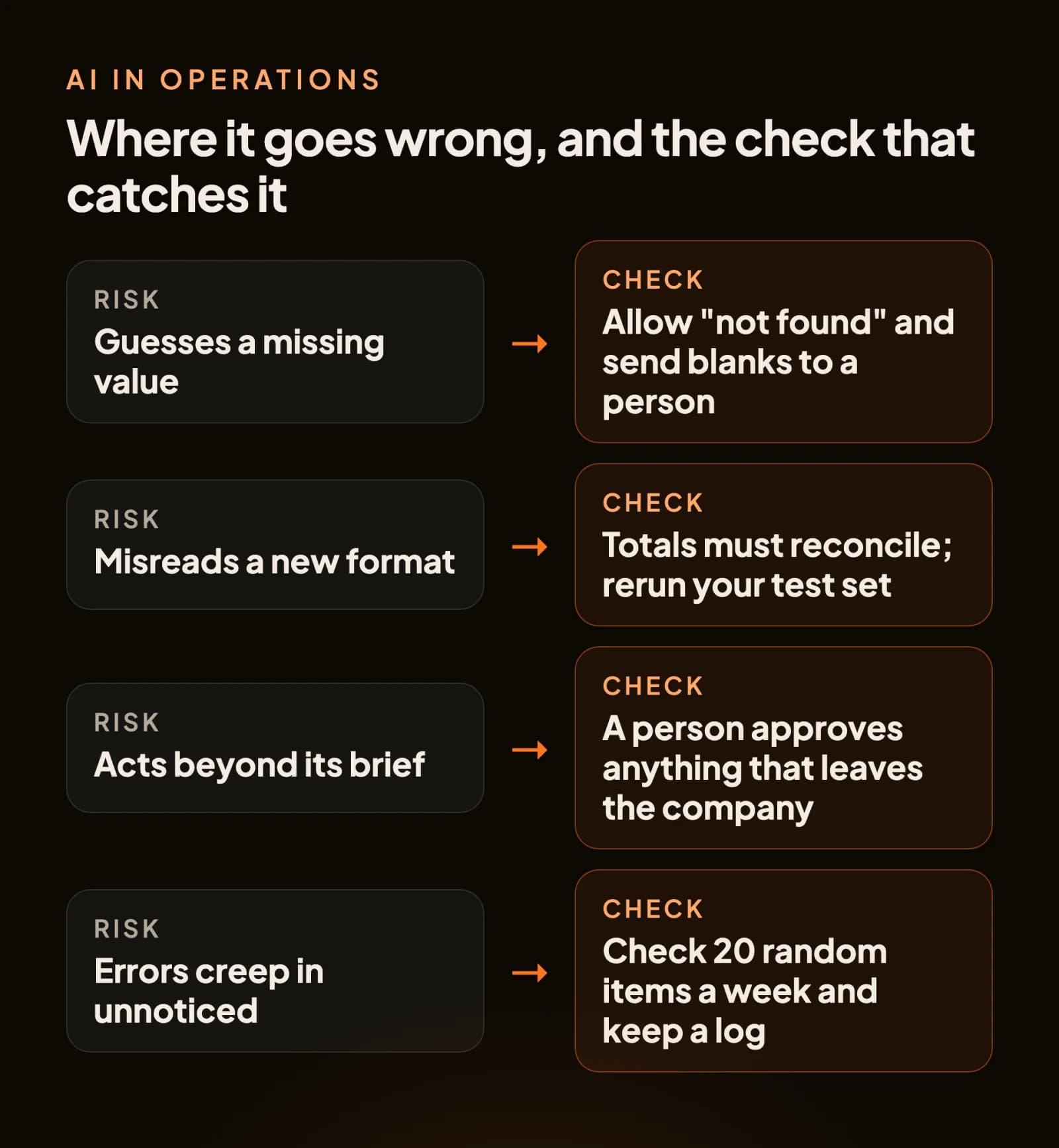
Make the numbers reconcile. Line items should add up to the invoice total. Extracted tax should match the rate times the taxable value. Payments matched by AI should sum to the bank statement. When code checks the arithmetic, the AI's errors show up as mismatches instead of hiding in plain sight.
Allow "not found" and route it to a person. A short daily queue of blanks is cheap. A wrong value buried in a ledger is expensive.
Sample every week. Pick 20 random items the AI handled and have someone check them properly. Write down the error rate. If it stays low for a month, sample fewer; if it climbs, find out what changed.
Approve before anything leaves the building. Payments, emails to customers or vendors, and changes to master data go through a person until you have weeks of clean results. Start agents on "ask me first" and loosen one permission at a time.
Keep a log. Record what went in, what came out and who approved it. When something does go wrong, the log turns a week of guessing into ten minutes of reading.
How much checking is enough
Start heavier than feels necessary and reduce it as the numbers earn it. A workflow that has run for two months with a measured, low error rate can run with light sampling. A workflow that changed last week can't.
The person stays. They move from doing every item to checking the few that matter, which is where most of the saved time comes from anyway. Our operations automation page has more on how these checks fit into back-office workflows.
Arthat AI
Working on something similar at your company?
Arthat AI builds these automations for Indian businesses every week. If you want to talk through whether this fits your situation, we'll give you a straight answer — even if the answer is "don't build it."