Short answer: AI is now built into the tools many companies already pay for. Gemini sits inside Google Workspace, Copilot inside Microsoft 365, and on 27 October Oracle announced a collaboration with OpenAI to bring ChatGPT and Codex to its business apps. These assistants show each person whatever that person can already open. So before you switch them on for everyone, clean up who can open what. That one afternoon of tidying decides whether the rollout is useful or embarrassing.
The AI now arrives as a feature
A year or two ago, "using AI" meant someone signing up for a separate tool. That's changing. The assistant now turns up inside the email, documents and business apps your team opens every morning.
Google's admin help is plain about the default: the setting for Gemini features in Workspace services is on. Microsoft describes Copilot as working with emails, chats and documents that you have permission to access through Microsoft Graph.
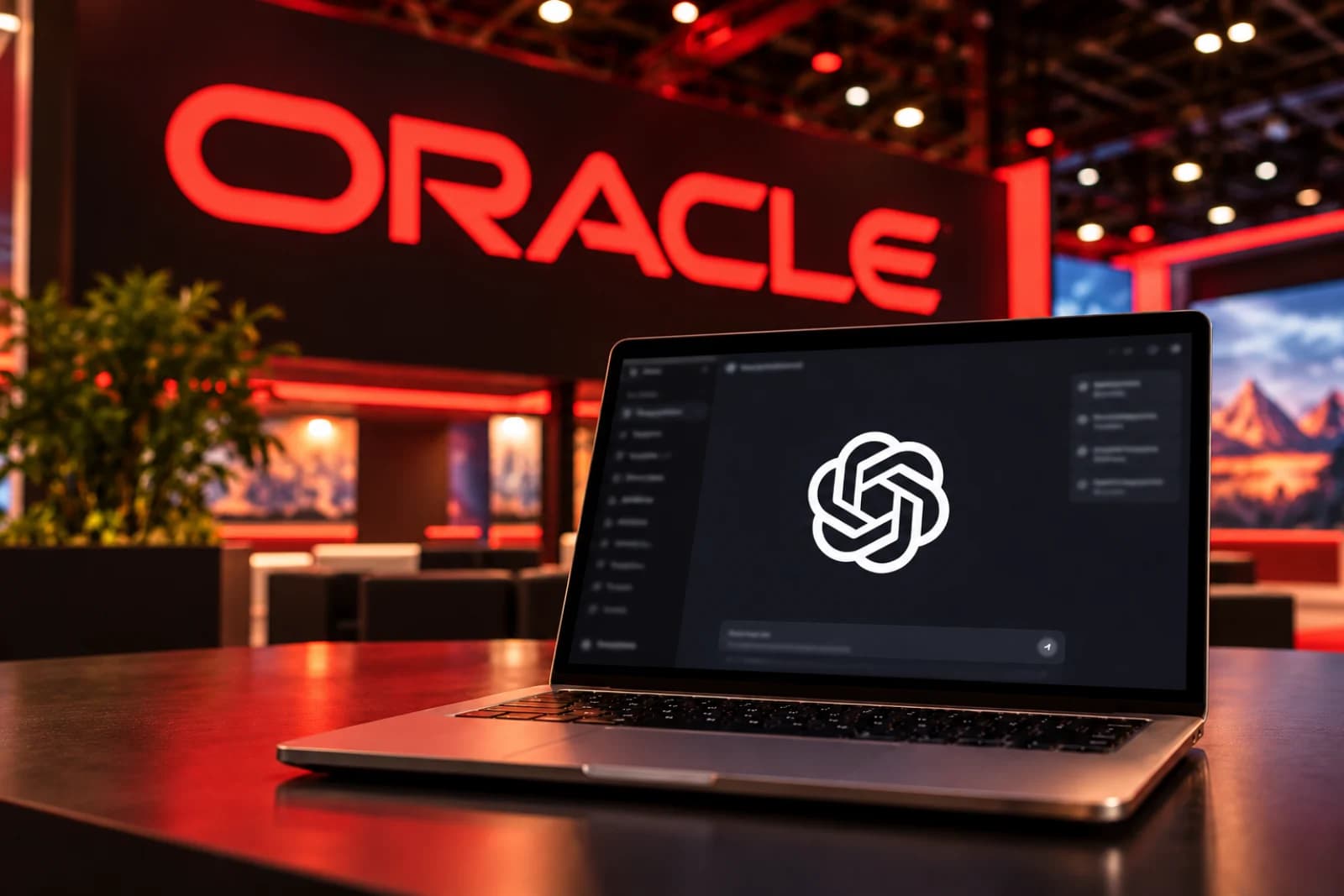
The bigger software vendors are heading the same way. At Oracle AI World on 27 October, Oracle announced a collaboration with OpenAI bringing OpenAI models, ChatGPT and Codex together with Oracle's applications, data and cloud. Its Oracle AI Workspace is designed to connect Fusion Applications, NetSuite, Oracle AI Database and OCI, so employees can "access information, complete approved business workflows, and take action alongside Oracle systems" through ChatGPT. Oracle's release carries a future-product disclaimer, so treat timing as unconfirmed.
You may not run Oracle. The direction still applies to you: the AI is coming to the software, and nobody will ask you to run a separate AI project first.
What these assistants can see
The vendors give the same answer, and it's reassuring on paper.
Google's Workspace privacy hub says Gemini only retrieves relevant content the user has access to, and if the user doesn't have access to a document or email, Gemini won't retrieve it. Microsoft says Copilot only surfaces organisational data to which individual users have at least view permissions.
Both also say your business data isn't used to train their models. Google: Workspace does not use customer data for training models without the customer's prior permission or instruction. Microsoft: prompts, responses and data accessed through Microsoft Graph aren't used to train foundation LLMs.
So the assistant doesn't break your permissions. It follows them exactly. That's the part worth thinking about.
Why that's a problem in many offices
Permissions in a company that's been running for a few years are often not what anyone intended. Think of a salary sheet shared with "anyone in the company" in 2022 so one person could check a number. A folder of customer contracts shared with a former agency. A management deck sitting in a Team everyone joined during onboarding.
Today those files are safe mostly because nobody goes looking. An assistant that answers "what did we pay the Pune vendor last year?" by searching everything you can open changes that. The file was always reachable. Now it's findable in a sentence.
Microsoft says as much in its own documentation: it's important to use the permission models available in Microsoft 365 services, such as SharePoint, "to help ensure the right users or groups have the right access to the right content within your organization." That job sits with you.
A one-afternoon check before you switch AI on for everyone
You don't need a consultant for this. You need an admin login and a list.
- Find out what's already on. In Google Workspace, go to the Admin console, then Generative AI, then Gemini for Workspace. You can turn a service on or off for an organisational unit (often a department) or a group, and group settings override organisational units. In Microsoft 365, the Integrated apps section of the admin centre shows the permissions and data access an agent requires, and admins choose which agents are allowed.
- List your five most sensitive file types. Salaries, bank details, customer contracts, board or partner papers, HR cases. Search for each the way an employee would, logged in as an ordinary staff account, and see what comes up.
- Close the open links. Change "anyone with the link" and "everyone in the company" shares on those files to named people or a small group.
- Shrink the big groups. Check who sits in all-staff groups and Teams, and remove former staff, agencies and vendors.
- Lock the files that must stay locked. Google says Information Rights Management (disabling download, copy or print) and client-side encryption can restrict Gemini's access. Microsoft says Copilot honours the usage rights set by sensitivity labels or Information Rights Management.
- Start with one team. Turn the assistant on for one department first, ask them what surprised them in the first week, then widen it.
One trap on Google: switching Gemini off for a single app doesn't wall off that app's data. Google's help page says users can still access its data when using Gemini in other apps. Fix the sharing on the files themselves.
While you're in the admin console, it's worth checking which outside apps can read your company mail too. We wrote a 30-minute check for that.
The useful part comes after
None of this is a reason to keep AI switched off. An assistant that can read your own documents is where much of the day-to-day value sits: summarising a long customer thread, drafting a reply from last quarter's proposal, finding the clause in a contract. That value depends on it seeing the right files and not the wrong ones.
If you tidy the sharing first, you can switch features on without worrying about what the first awkward search will turn up. If you skip it, one wrong answer about salaries can be enough to make you switch everything off again.
Arthat AI
Working on something similar at your company?
Arthat AI builds these automations for Indian businesses every week. If you want to talk through whether this fits your situation, we'll give you a straight answer — even if the answer is "don't build it."