Short answer: Google announced on 17 November 2026 that Tasks in Gemini, the mode that handles multi-step jobs for you, is rolling out free of charge in India and five other countries. If you run a business, try it on one boring weekly chore that ends before any payment, set a spending cap before anything else, and decide now whether staff may point it at work email.
What Google switched on
Tasks is a mode inside the Gemini app. You flip the home-screen toggle from Chat to Task and describe the job. Google says the update is "rolling out free of charge for hundreds of millions of people across the U.S., Japan, Korea, Canada, Australia, and India", running on its new Gemini 4 Hydrogen model.
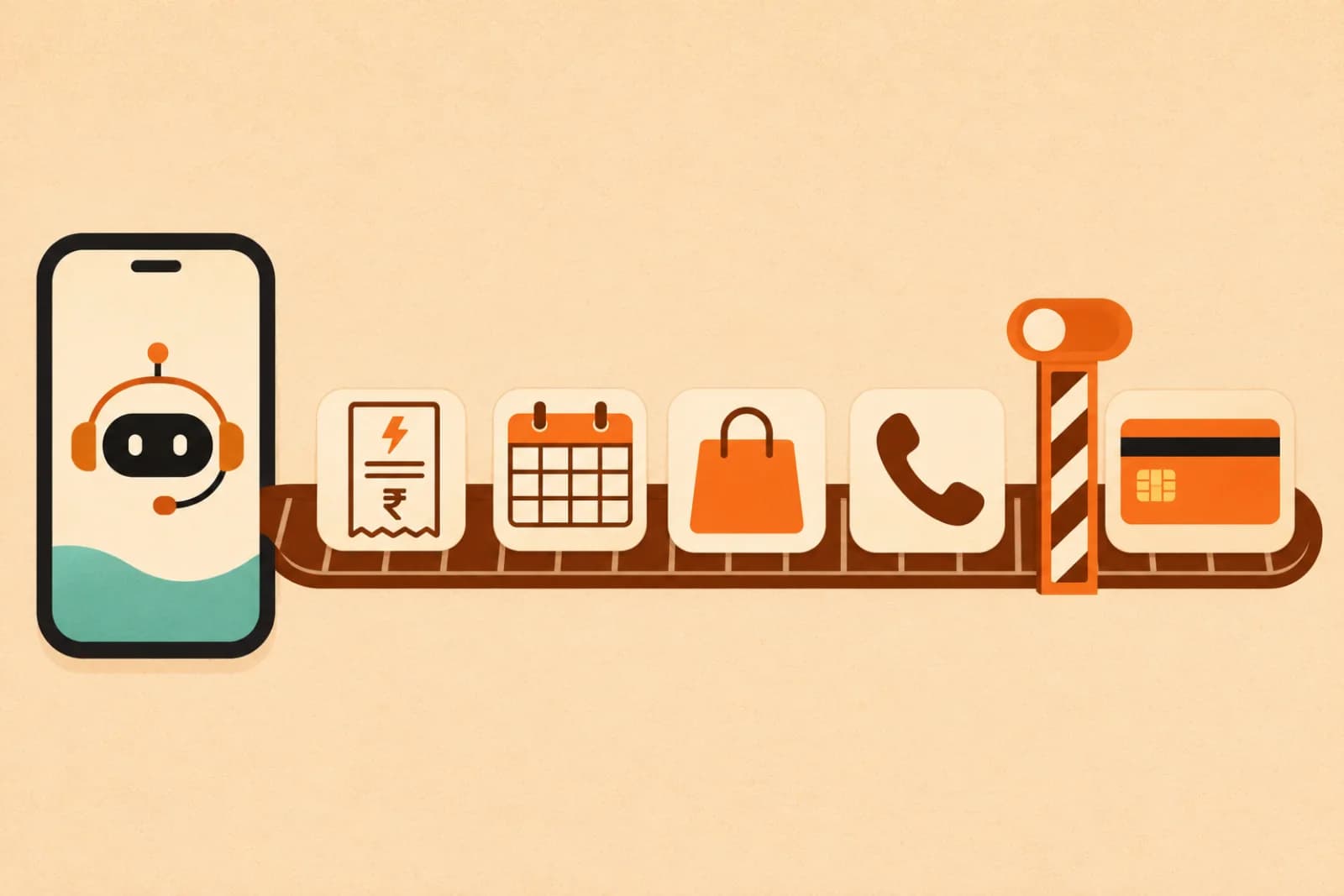
The examples in Google's post, from Josh Woodward, who leads the Gemini app, are his own family's errands. Gemini went through past billing statements in email to find why an electricity bill jumped. It compared USB-C chargers, found a discount code and helped with checkout through Google Pay. It turned a batch of forwarded school emails into calendar events. It also called two car dealerships at once and booked a service slot. Google says Gemini now connects with more than 60 popular apps.
Some of this is US-first. Google says "a set of advanced features" starts in the US. Texting Gemini needs a US phone number, and forwarding emails to gemini@google.com starts in the US. Google's post doesn't list which features are live in India today, so test what your own account can do before you plan around it.
Pick one boring chore first
The safest first job is one where Gemini reads and organises, and you do the final step yourself. A few that fit an owner's week:
- Go through the last six months of electricity or internet bills in your inbox and explain any month that jumped.
- Pull every meeting date out of a vendor's email thread and put it on your calendar.
- Compare three options for a purchase you were going to make anyway, then stop before checkout.
Run the same chore for two or three weeks. Check the result against what you'd have done by hand. Google says it has "tested tasks extensively to minimize mistakes" but hasn't "eliminated all of them", and that a task may fail or miss the mark. You only learn where it misses on your own data.
Set the money limits before it touches a card
Google describes three controls, and all three matter once a card is linked:
- A hard spending cap. You can set one upfront, and Google says Gemini is designed to stay within it. Set it low at first.
- Confirmation before "Buy". Gemini is designed to ask for your confirmation or pre-approval before that click. Leave it on.
- "Always allow". This lets routine actions skip the check. Google's example is adding cereal to a grocery cart. Keep it for things that cost nothing or very little, and never for payments to vendors.
India's payment side is still unclear. Google names Mastercard and Visa as partners for tokenised card payments, with American Express coming soon. Inc42 notes that Google didn't say whether those partnerships extend to India, and that adoption depends on which merchants, payment methods and apps are supported here.
Decide what staff may point it at
Tasks works best when your email, calendar and cards already sit in Google. That is exactly what makes it awkward at work. A team member could open personal Gemini, connect their own Gmail, and forward a client thread to it to "sort out the dates".
Google's announcement doesn't say whether company Google Workspace accounts get Tasks, so ask whoever runs your Workspace before anyone uses it there. Until then, a one-line rule helps: no company email, client files or company cards in personal AI assistants. If you don't have a written policy yet, our guide to an AI use policy for a small Indian company covers what to put in it.
On safety, Google says each task runs in a hardware-isolated virtual machine dedicated to your account, with filters that scan web pages and search results for prompt injection. That reduces some risks. It doesn't decide which data your staff should hand over, and that decision is yours.
The other side: AI assistants will call you
In Google's own example, Gemini rang two dealerships, sat through the hold music and booked a slot. Google says Gemini told the dealership straight away that it was an AI.
Google's post says businesses can opt out whenever they want, but doesn't say how for Gemini's calls. The closest official guide is Google's Business Profile help page on automated calls, which covers calls Google makes for customers using Search or Maps. When customers use Search or Maps, Google may call your business on their behalf to book appointments, check restaurant wait times, or confirm the price and availability of products and services. These calls are monitored and recorded. Google says the feature is "currently available only in select regions and languages", and the page doesn't say whether India is one of them. It also warns that Google will never ask for payment, card details or passwords on these calls.
Two things are worth doing now, even if no AI has called you yet:
- Decide whether you want these calls. In your Business Profile, go to Business Profile settings, then Advanced settings. Under "Google automated calls and text messages" you can turn "Bookings and inquiries from customers" on or off. You need a verified profile to opt out.
- Keep your Google listing exact. Google says that if you've already shared in-store product details through Merchant Center, it uses that and won't call to ask about inventory. Google also calls when it needs to check your hours, so keeping hours, prices and services current saves you some of those calls.
Where it falls short today
Google is open about the gaps. On some websites, Gemini gets most of the way through and then hands the screen back for you to click the final button. Tasks may fail or miss the mark. Several features start in the US, and Indian payment support hasn't been spelled out.
That is fine for a free tool you're testing on household-sized chores. Give it one job, check its work for a few weeks, keep the cap low, and keep company data out of it until you've decided otherwise.
Arthat AI
Working on something similar at your company?
Arthat AI builds these automations for Indian businesses every week. If you want to talk through whether this fits your situation, we'll give you a straight answer — even if the answer is "don't build it."